

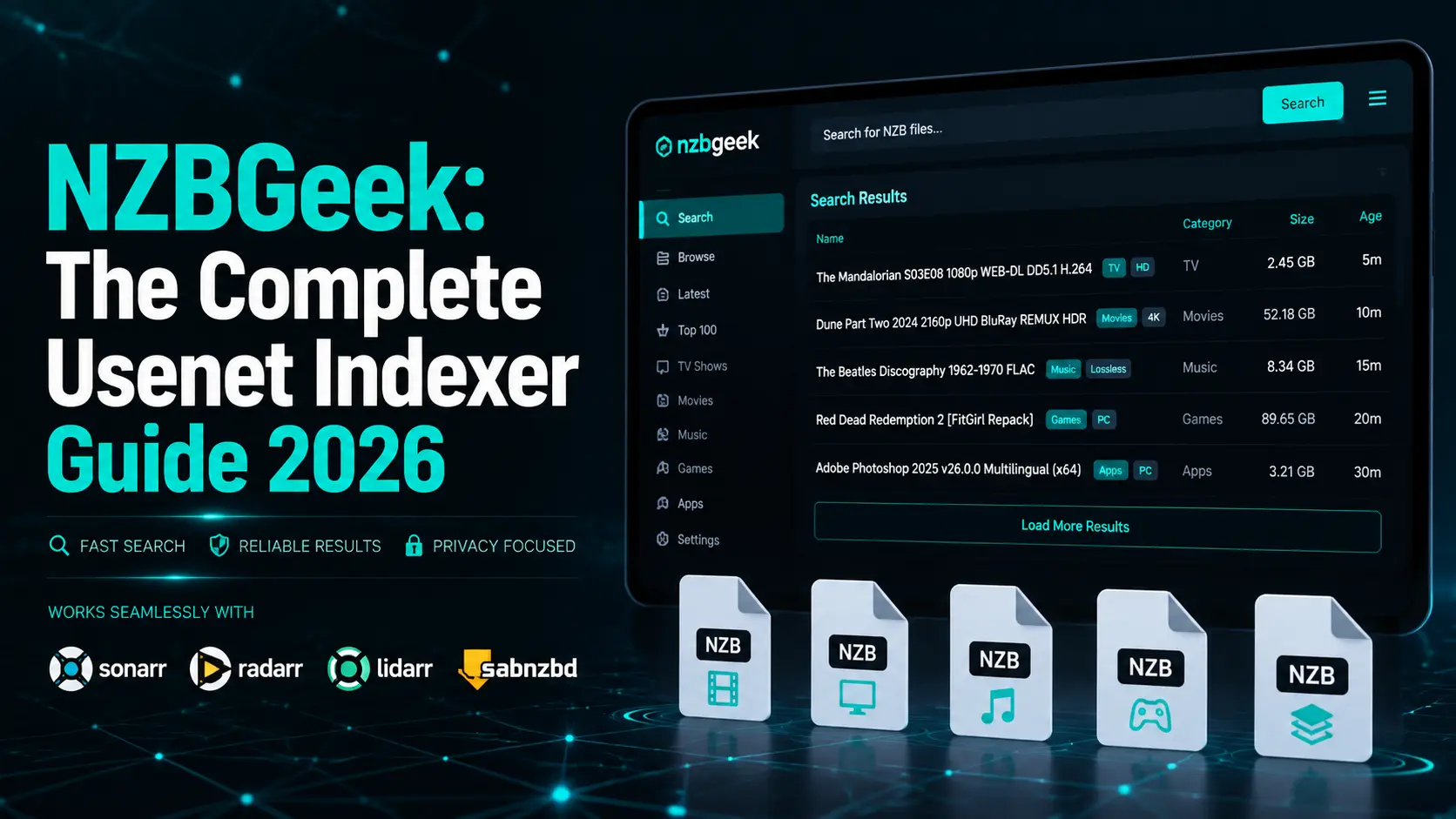
If you’ve ever spent hours hunting for a specific file on Usenet only to walk away empty-handed, you already know how much the right indexer matters. NZBGeek has been solving that exact problem since 2012, quietly building a reputation as one of the most reliable and community-driven NZB indexers on the internet. Whether you’re completely new to Usenet or you’re a seasoned user looking to upgrade your setup, this guide covers everything you need to know — from how NZBGeek works to its pricing, automation features, and honest comparisons with competing platforms.
What Is NZBGeek and How Does It Actually Work
NZBGeek is a Usenet NZB indexer, which means it doesn’t host any content itself. Instead, it continuously scans Usenet newsgroups, identifies binary files, and organizes them into a searchable database of NZB files.
Think of an NZB file as a pointer — an XML-based roadmap that tells your download client exactly where to retrieve a specific file on Usenet servers. Without an indexer like NZBGeek, finding content on Usenet would be like searching a library with no catalog system.
The platform launched in 2012 and has grown to serve over 50,000 registered members, earning trust through consistent uptime, clean indexing, and a genuinely active community that most competitors simply can’t match.
The GeekSeek Search Engine Sets NZBGeek Apart
One feature that regularly gets highlighted by experienced Usenet users is NZBGeek’s proprietary search engine, called GeekSeek. It scans Usenet newsgroups every 10 minutes, which means new content typically appears in the NZBGeek database within 11 minutes of being posted. That kind of speed matters a lot when you’re chasing new TV episode releases or fresh software uploads that get pulled quickly.
GeekSeek also offers advanced filtering options, letting you narrow results by file size, category, posting age, video quality, and release group. So instead of sorting through 40 results for a movie, you can filter directly for the 4K HDR release you actually want and find it in seconds.
Community Moderation Makes the Index Cleaner Than Competitors
Most competing indexers rely entirely on automated scraping, which sounds efficient until you realize how often automated systems create duplicate entries, miss content entirely, or fail to remove broken NZBs. NZBGeek takes a different approach.
Active community members and dedicated moderators review submissions, flag bad entries, and maintain index accuracy on an ongoing basis. Moderators are available seven days a week, and the platform’s Discord server keeps over 50,000 members connected in real time.
This human oversight layer means the database stays significantly cleaner than fully automated alternatives. You’re less likely to download a corrupted file or hit a dead NZB link when someone has already flagged and removed the problem before you ever search for it.
NZBGeek Pricing and Membership Tiers Explained
NZBGeek operates on a freemium model that genuinely works for most users. The free tier allows around 15 NZB downloads per day — enough to test the platform and verify it fits your workflow before paying anything. The paid upgrade, called VIG (Very Important Geek) membership, removes download limits, unlocks full API access, and gives you priority support.
Monthly VIG plans typically run between $20 and $30 USD, while annual plans offer roughly a 25–30% discount. The most compelling option for serious users is the lifetime membership, priced between $80 and $130 as a one-time payment.
Given that NZBGeek has operated continuously since 2012, a lifetime plan pays for itself within four to eight months compared to monthly billing, making it genuinely smart value for anyone planning long-term Usenet use.
API Integration Turns NZBGeek Into a Fully Automated System
Here’s where NZBGeek really shines for power users. The full API access included with VIG membership allows seamless integration with popular automation tools including Sonarr, Radarr, Lidarr, SABnzbd, and NZBGet.
Connect NZBGeek to Sonarr, and you can have every new episode of your favorite TV show automatically found, downloaded, and filed the moment it appears on Usenet — no manual searching required. Radarr does the same for movies.
You can also set up customizable RSS feeds that push new content matching your criteria directly to your download client. For users managing large media libraries, this automation capability alone justifies the cost of a VIG membership. It transforms NZBGeek from a search tool into a hands-free content pipeline.
Privacy and Security Practices on the Platform
NZBGeek runs all traffic through SSL/TLS encryption, which prevents your ISP or anyone monitoring your network from seeing what you’re searching for. The platform maintains a no-logging policy, meaning your activity on the site isn’t recorded or stored.
For users who want an additional layer of privacy, NZBGeek also accepts cryptocurrency payments alongside PayPal and various regional payment options, so you can subscribe without a financial trail tied to your account.
The platform’s servers are located outside the United States, which adds jurisdictional privacy protections that US-based indexers can’t offer. Following a 2020 security incident, NZBGeek underwent independent security auditing and publicly shared the results — a level of transparency that actually builds trust rather than eroding it.
How NZBGeek Compares to Other Usenet Indexers
The two most commonly mentioned alternatives to NZBGeek are DrunkenSlug and NZB.su. DrunkenSlug is invite-only and offers comparable index quality, which is why many experienced users maintain accounts on both platforms as a redundancy strategy.
NZB.su is significantly cheaper at around $10 per year but caps API calls at 1,000 per day — a limit that automation-heavy users blow through quickly. Free options like Binsearch update hourly rather than every 10 minutes, have no API support, and carry a noticeably smaller index.
NZBGeek’s open registration gives it a clear accessibility edge over invite-only platforms, while its unlimited API calls and 500,000+ indexed NZBs keep it competitive against every budget option in the space. For most users, it’s the right balance of cost, quality, and access.
Best Practices for Getting the Most From NZBGeek
Pairing NZBGeek with the right Usenet provider makes a significant difference in real-world performance. A provider with at least 3,000 days of retention ensures that older content NZBGeek has indexed is still actually available when you go to download it.
Newshosting is frequently recommended as a complementary provider for exactly this reason. It’s also worth maintaining a secondary indexer — NZB.su or DrunkenSlug — as a fallback for the rare case where NZBGeek’s index doesn’t include something you need.
On the automation side, spacing out API calls every five minutes or more across a large list of monitored shows reduces unnecessary server load and keeps your setup running smoothly. RSS sync enabled in Sonarr can shave a few minutes off how quickly new releases trigger downloads, which matters for time-sensitive content.
Common Mistakes New NZBGeek Users Make
The most frequent mistake is treating NZBGeek as a standalone solution. It’s an indexer — not a Usenet provider, not a download client. You need all three components working together: NZBGeek to find content, a Usenet provider to store and deliver it, and a download client like SABnzbd to handle the actual transfer.
Skipping a provider and wondering why nothing downloads is the single most common new-user confusion. Another mistake is staying on the free tier indefinitely without testing automation features — the real efficiency gains only unlock with API access.
Some users also choose a Usenet provider with short retention periods, meaning NZBGeek finds files that no longer exist on their provider’s servers. Matching your indexer and provider retention windows is essential for consistently successful downloads.
Conclusion: Is NZBGeek Worth It for Usenet Users in 2026
After more than a decade of operation, NZBGeek has earned its reputation through consistency rather than marketing. The combination of a 500,000+ NZB database, 10-minute update cycles, community-driven moderation, and robust automation support puts it ahead of most competing indexers in practical day-to-day use.
The lifetime membership option at $80–$130 is genuinely compelling for anyone serious about Usenet — it pays off within months and eliminates recurring subscription fatigue. If you’re brand new to Usenet, the free tier gives you a real, no-commitment way to evaluate the platform before spending anything.
And if you’re already running an automation stack with Sonarr or Radarr, NZBGeek slots in cleanly and performs exactly as advertised. For 2026 and beyond, it remains one of the smartest foundational choices you can make for a serious Usenet setup.
 IQ newswire