

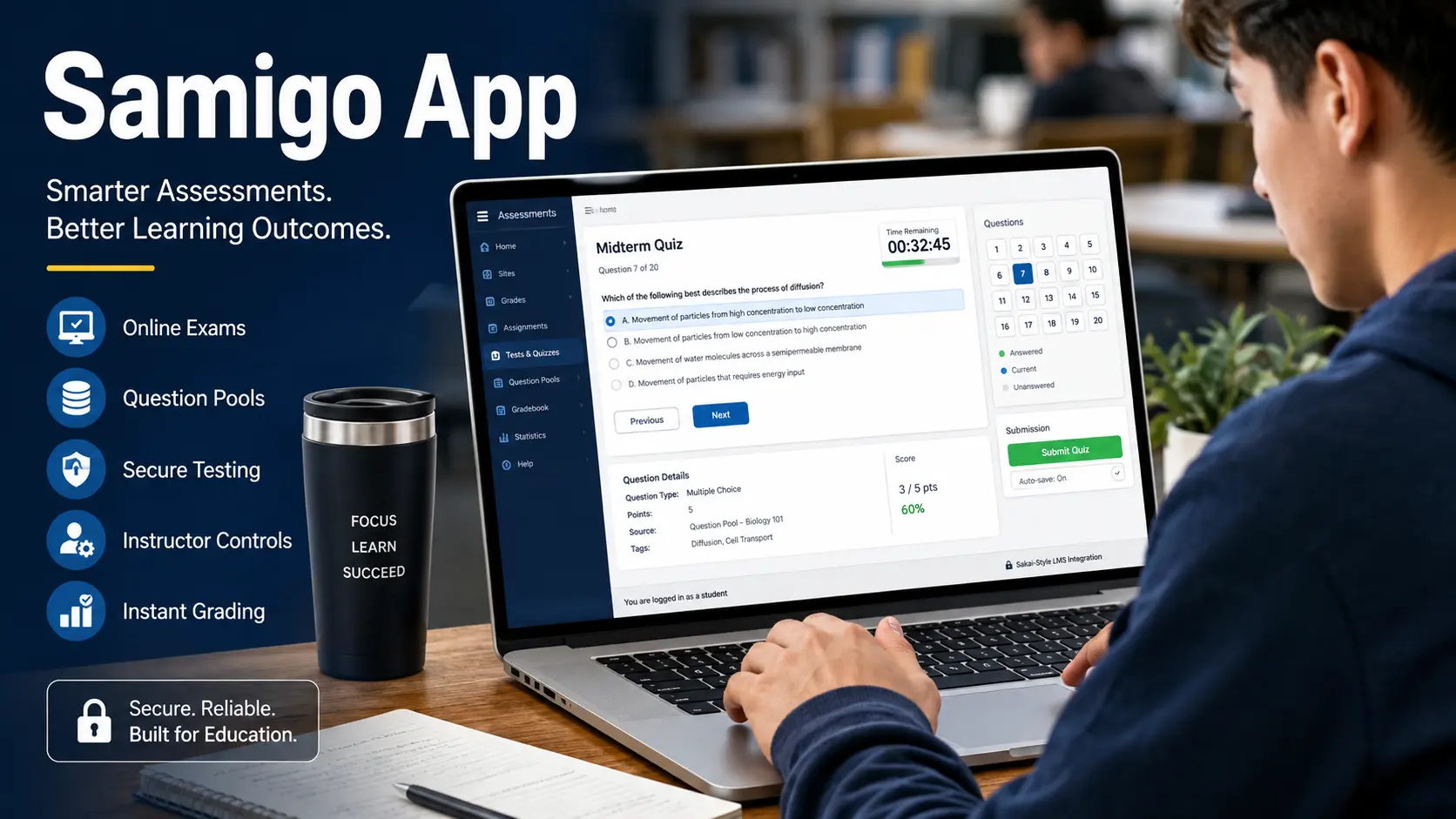
Searching for “samigo app” can be confusing because the name sounds like a standalone mobile product. In practice, Samigo is associated with Sakai’s Tests & Quizzes assessment tool, used by schools and universities to create, deliver, and grade online assessments. You may encounter “Samigo” in a course URL, technical documentation, or software repository even when your school simply labels the feature Tests & Quizzes. That distinction matters if you are trying to download an app, log in, or understand what the tool does. This guide explains the platform, its main capabilities, access process, costs, limitations, and practical uses, while separating verified Sakai functionality from claims made by unrelated websites. It also helps you avoid downloading the wrong software.
What Is the Samigo App?
The Samigo app is best understood as the assessment component inside the Sakai learning management system, rather than a conventional consumer app. Sakai documentation and project materials use Tests & Quizzes for the visible tool, while “samigo” appears in technical names and code.
Instructors can use it to build quizzes, tests, surveys, and other assessments within a course. Students normally open the tool through their institution’s Sakai site after signing in with school credentials. That means there is usually no universal Samigo account that you create independently.
Your school or organization controls the Sakai installation, available features, assessment settings, and access rules. This is the first thing to understand before searching an app store. If you see a separate product using the same name, check its developer and purpose carefully instead of assuming it is the official Sakai assessment tool.
Why Does Samigo Matter for Online Learning?
Samigo matters because it keeps assessment work connected to the course environment instead of forcing instructors and students to move between several services. An instructor can create an assessment, define its availability, select question types, establish grading rules, and publish it through the same learning system students already use.
For students, that can mean fewer accounts and a more predictable workflow. Sakai-based assessments can support common formats such as multiple-choice, true-or-false, short-answer, and other configured question types, depending on the institution’s version and setup. The tool can also support question pools, timed availability, feedback, and score handling when administrators enable those capabilities.
Its biggest value is not a flashy interface; it is integration. A university can connect assessment activity with course content, student enrollment, and grading workflows. For instructors managing several sections, that centralized approach can reduce repetitive administrative work.
How to Access and Use the Samigo App
If your school uses Sakai, accessing Samigo is usually straightforward. Start by opening the official learning portal supplied by your institution and sign in with your student or faculty credentials. Open the relevant course, then look for a menu item such as Tests & Quizzes.
If an assessment has been published, you should see its title, instructions, availability dates, and any time limit set by the instructor. Read those details before selecting Begin or the equivalent action. During the assessment, save answers according to the instructions and submit before the deadline.
Afterward, your instructor may allow you to view a score, corrections, or feedback, but that depends on course settings. If Tests & Quizzes is missing, do not download a random “Samigo” APK or unofficial application. Ask your school’s LMS administrator or instructor for the correct access route at your institution.
Which Features Does Samigo Offer?
The feature set can vary because Sakai is configurable, but several capabilities commonly define the Samigo assessment experience. Instructors can author questions, organize them into assessments, reuse questions through pools, set dates, configure time limits, and apply grading or feedback rules.
Students get a course-based testing environment rather than a separate consumer account. The table below summarizes the practical roles of the tool without implying that every installation exposes every option. That distinction is useful because third-party articles sometimes describe features as universal when actual availability depends on the Sakai release and local configuration.
For example, one institution may allow detailed feedback immediately after submission, while another may withhold results until an instructor reviews submissions. The same applies to question formats, attempts, navigation controls, and accessibility settings. Before relying on any feature for an important exam, check the details clearly.
| Feature | Role |
|---|---|
| Question pools | Reuse questions |
| Timing | Set availability |
| Feedback | Control visibility |
What Does the Samigo App Cost?
Pricing is one area where the Samigo app can be misunderstood. Samigo itself is part of the open-source Sakai ecosystem, so a student does not purchase a personal Samigo subscription to take a university quiz. Your institution may still pay for hosting, administration, support, infrastructure, customization, or related services surrounding its Sakai deployment.
Those organizational costs are different from a consumer app subscription. For a student, the practical question is usually whether your school provides Sakai access, not whether you need to enter a credit card.
For an institution considering Sakai, the financial picture is broader: staff time, server or cloud resources, implementation, maintenance, integrations, training, and support can all affect the total cost of ownership.
This makes simplistic claims such as “Samigo is completely free” incomplete. The software model may be open source, while reliable educational operations still require resources.
| Cost | What to expect |
|---|---|
| Software | Open source |
| Operations | Hosting resources |
Is Samigo a Good Choice for Online Assessments?
Samigo is useful for structured online assessment, but it is not automatically the best choice for every learning situation. Its strongest advantage is LMS integration: institutions can manage assessments inside the same environment used for courses and enrollment. It can also support varied question formats and configurable assessment rules. However, the experience depends heavily on the Sakai version, institutional configuration, administrator choices, and instructor design.
A course with clear instructions and sensible timing can feel straightforward; a poorly configured assessment can feel frustrating regardless of the underlying software. Students should therefore judge the actual course experience rather than relying on screenshots or reviews from unrelated platforms.
Instructors should test assessments before publishing them, especially when grades, time limits, randomization, external content, or accessibility requirements are involved. For organizations comparing tools, evaluate workflow fit, integration, administration, accessibility, reporting, support, and cost.
What Samigo Mistakes Should You Avoid?
The biggest Samigo mistake is assuming that every search result using the phrase “samigo app” describes the same product. Some websites use the name for unrelated productivity, social, or study concepts, while official Sakai materials connect Samigo with assessment functionality. Another mistake is expecting a normal app-store installation.
In many cases, students simply access the tool through a browser-based Sakai course portal. Downloading unofficial files can create unnecessary security and privacy risks, particularly when the file asks for credentials or permissions unrelated to coursework. A third mistake is ignoring assessment instructions.
Students should check start and end times, attempt limits, navigation rules, permitted materials, and submission requirements before beginning. Instructors should avoid publishing an untested exam and should verify question scoring, feedback visibility, timing, and availability windows. Treating Samigo as part of an institution-managed learning system leads to clearer expectations.
What Are the Best Samigo Tips for Students and Educators?
For the smoothest experience, students should prepare before an assessment opens. Sign in early, confirm the correct course, read the instructions, and make sure the browser and internet connection are stable. If the exam is timed, avoid starting until you have enough uninterrupted time to finish it.
Keep evidence of submission when the course instructions allow it, especially for high-stakes assessments. Instructors can improve reliability by previewing every question, testing automatic scoring, checking accessibility, confirming dates and time zones, and explaining what students should do if a technical problem occurs.
It is also wise to communicate clearly about feedback and score release so students know what to expect. These practices are more valuable than chasing a particular device or unofficial Samigo download. Because Sakai deployments differ, the best pro tip is simple: follow the workflow and help documentation provided locally.
Conclusion Samigo App: What Should You Do Next?
The Samigo app is not best approached as a standalone consumer download. Its most established meaning is Sakai’s Tests & Quizzes assessment component, where institutions use it to create and manage online tests, quizzes, surveys, and related evaluation activities. The safest next step is to use the Sakai portal provided by your school or organization and follow its instructions for access.
Remember that available features, naming, grading behavior, and support can differ between deployments. If you are evaluating the technology for an institution, look beyond the word “app” and assess integration, administration, accessibility, assessment controls, support, and operating costs.
If you are a student, verify the course instructions and avoid unofficial downloads. With that context, Samigo becomes much easier to understand: it is primarily an institution-managed assessment tool, not a mysterious app that everyone needs to install separately today for everyone.
 IQ newswire