

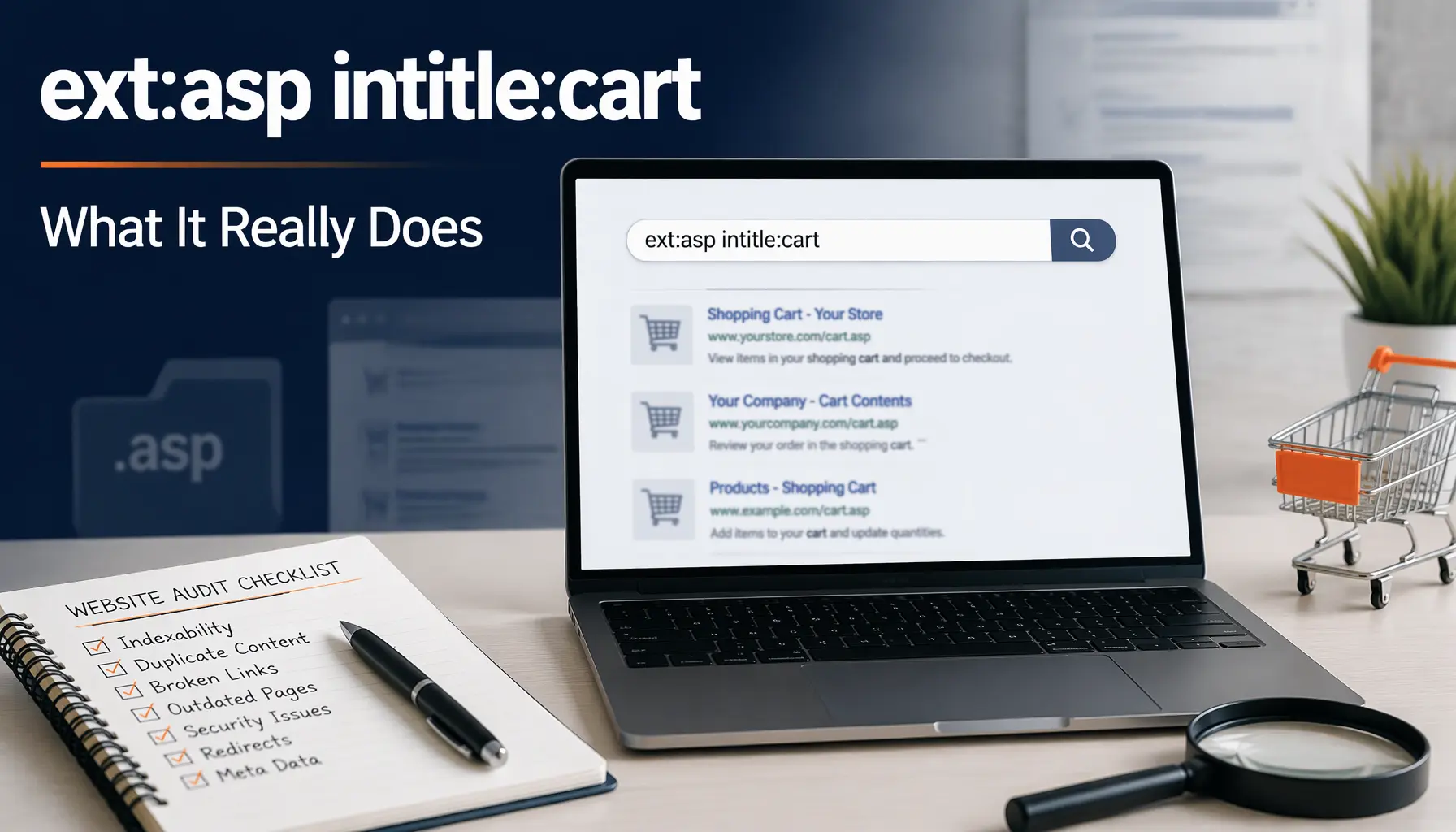
Picture this: you copy ext:asp intitle:cart from a forum post, paste it into Google, and a list of old shopping cart pages appears. It looks like a secret trick, but it’s just two ordinary filters. The first limits results to pages ending in .asp, and the second demands the word cart in the page title. Together they surface dusty, legacy storefront pages. This guide explains each piece in plain English, shows what the results mean, and covers how US site owners can use the same method to clean up their own websites. You’ll see where the ethical line sits, because a search that only reads public listings can still be misused if you aren’t careful.
What ext:asp intitle:cart Means
Search operators quickly filter Google results. Here, ext:asp keeps pages ending in .asp, and intitle:cart requires the word cart in the title. Combined, ext:asp intitle:cart usually returns older shopping cart pages built with the Classic ASP web server technology.
The ext:asp Filter
The ext:asp part checks the file extension in a web address. Only matching pages ending in .asp pass through, while .php, .html, and .aspx pages are excluded. It describes only how a page was built, not what it contains.
The intitle:cart Filter
The intitle:cart part reads only the page title tag, the clickable headline in search results. Pages mentioning carts only in body text won’t appear. It is quite strict, so related titles like basket or checkout need separate follow-up searches.
Is ext: Really Official?
Google’s official help page documents filetype:, not ext:. In practice ext: often returns similar results, but unlisted behavior can change. For anything repeatable, use filetype:asp intitle:cart and compare both versions side by side. Operators can quietly change over time.
Why Classic ASP Pages Linger
Active Server Pages is an older Microsoft technology that builds web pages on the server. Early online stores used it often, so file names like cart.asp remain in old URLs. Some abandoned store pages stay indexed for many years.
What Results Look Like
Expect a messy mix of legacy cart pages, archived tutorials, and support threads. Results change daily as shops close and Google updates its index. Treat ext:asp intitle:cart as a rough sample, never a trustworthy business directory. Verify before trusting.
Safe Variations to Try
Adapt the pattern for your own safe research by adding a site: filter. A simple minus sign excludes words, and quotation marks require exact phrases. The table below shows three variations aimed at your own domain or public pages.
| Query | What it finds |
|---|---|
site:yourdomain.com filetype:asp |
Indexed .asp pages on your site |
site:yourdomain.com intitle:cart |
Cart-titled pages on your site |
site:competitor.com intitle:pricing |
A rival’s pricing pages |
Why Lists Stay Incomplete
Google doesn’t promise exhaustive operator results. Location, language, device, and timing can change what you see. Use ext:asp intitle:cart for quick sampling, then confirm findings with server logs, your sitemap, and Google Search Console. Operators sample; they don’t inventory.
Audit Your Own Site
Run site:yourdomain.com with ext:asp intitle:cart to see which legacy pages Google remembers. For each result, choose just one action: redirect, update, or remove. Record decisions in a spreadsheet so nothing gets forgotten. Many owners are surprised by what remains.
Spot Pages Never Meant Public
Operator searches on your own domain can reveal test pages and staging copies. If something sensitive appears, take it offline immediately or add a login. Don’t rely on robots.txt alone, because blocking crawling doesn’t guarantee removal. Document every fix.
Competitor Research Basics
Public operators show how rivals maintain their sites. A search like site:competitor.com intitle:pricing reveals indexed pricing pages. Compare overall neatness and duplicates, take dated notes, and verify important findings by visiting pages directly. Competitors change sites constantly, so recheck.
Legacy Carts and Risk
Older Classic ASP store checkouts can lag on security updates, cost more to maintain, and feel clunky on phones. Stores handling card payments must strictly follow PCI standards. Weigh these costs honestly and carefully before keeping an aging cart.
Keep or Replace the Cart
If the cart sells reliably and someone competent maintains it, you probably have time to plan. Otherwise consider moving to a hosted platform. Map every single old address to a new one before launch to preserve earned search visibility.
Redirect Old .asp URLs
Use permanent 301 redirects when a page moves for good, pointing each old address to its closest new page. Avoid long chains and lazy homepage dumping. Test a few samples by hand and review again after real traffic arrives.
Remove Pages From Google
Search Console’s Removals tool hides pages only temporarily, roughly six months. For lasting results, delete the page, update it, password-protect it, or add noindex. After fixing, allow time for Google to recrawl. Check the results again after two weeks.
Common Operator Mistakes
Typing a space after the colon changes how Google reads your query. Other errors include stacking too many operators, expecting complete lists, and trusting old results. Always verify your fixes in Search Console afterward. Small checks prevent long confusion.
Legal and Ethical Limits
Searching ext:asp intitle:cart only reads public listings, which is perfectly legal. Probing or accessing someone else’s system without permission can violate laws like the Computer Fraud and Abuse Act. If you ever find exposed pages, notify the site owner.
Weekly Audit Routine
Spend about twenty minutes weekly running ext:asp intitle:cart on your own domain. Look for any stray .asp pages, duplicate cart titles, and staging leftovers. Log all findings, assign owners, and set clear due dates to prevent legacy clutter returning.
Helpful Companion Tools
Pair operators with Google Search Console, a crawler tool like Screaming Frog, and server logs. Together they give you complete data that sampling cannot. Bing Webmaster Tools adds another useful second view of how your pages are being indexed.
Conclusion
The query ext:asp intitle:cart finds .asp pages with cart in the title, usually legacy storefronts. Use it to audit your own domain, fix old pages with permanent methods, and stay within legal limits. Start with one small search today.